GMC Misrepresentation (Shopify): Appeal Rejected Again? 3 Hidden Reasons
TL;DR — Quick Answer
A "Misrepresentation" suspension means Google's algorithms do not trust your Shopify store. To fix it, you must resolve missing contact info, clarify Print-on-Demand shipping times, and critically, hardcode your Return Policy into your JSON-LD structured data using the new 2026 `hasMerchantReturnPolicy` schema required by Google's UCP standards.
The Endless Loop of Vague Suspensions
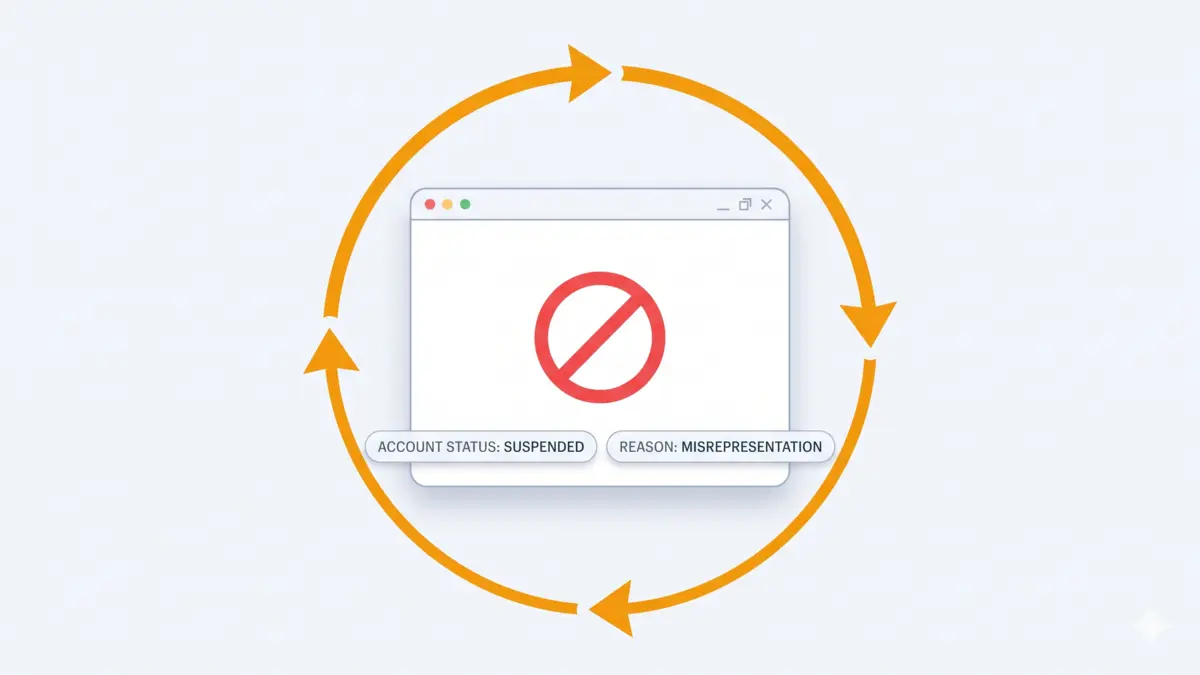
Many Shopify merchants, especially those using Print-on-Demand (POD) services like Printful, find themselves in a nightmare loop. They fix their pricing errors, link their refund policies in the footer, update their business info, and resubmit—only to get the exact same "Suspended for Misrepresentation" automated email. Google won't tell you what is wrong, leaving you to guess.
Here are the hidden technical triggers causing your ban:
- The Jan 2026 UCP Schema Error: Google recently began enforcing Universal Commerce Protocol (UCP) standards for AI shopping agents. Having a "Returns" page is no longer enough. Your theme must inject the
hasMerchantReturnPolicyobject inside your JSON-LD<head>data. If it's missing, Google considers your return policy invalid. - The Dropshipping/POD Trap: If you use Printful, your shipping policies must explicitly match reality. Claiming "Delivery in 2 days" when your supplier takes 7 days to print and ship will trigger an algorithm ban.
- Unverifiable Contact Information: Google cross-references your footer details. If your business address is a virtual PO Box, the trust score of your domain drops.
How to Recover from a GMC Misrepresentation Suspension
Do not click "Request Review" until you have audited your store technically:
- Audit Your Trust Pages: Ensure you have dedicated pages for: Contact Us (with physical address and phone), Shipping Policy, and Terms of Service.
- Fix the 2026 Schema Error: Inspect your product pages' source code. You must implement the
MerchantReturnPolicyschema nested inside yourProductJSON-LD block, ensuring you map theapplicableCountryusing the ISO 3166-1 alpha-2 code (e.g., "US"). - Align Feed Shipping with Store Shipping: The transit times in your GMC Shipping settings must perfectly match your Shopify checkout.
Validate Your Fixes Before You Appeal
Do not submit a review request until every trust signal is confirmed. Manually patching JSON-LD in theme.liquid across all products is error-prone—one missing hasMerchantReturnPolicy tag on a single page will keep your account suspended.
Risk Radar scans your entire Shopify storefront and compares it against your feed. It automatically detects missing Schema.org trust signals, 404 errors in policy links, and shipping data mismatches. Confirm every fix is in place before you click "Request Review."
Not sure about a term? See the GMC & Shopify Glossary for plain-language definitions.
Fix it with Risk Radar
Checking this manually takes hours. Risk Radar finds the exact mismatches — price discrepancies, broken schemas, missing trust signals — and gives you a prioritized fix list to address before your appeal.
No API keys. No passwords. No account access required.
Published: February 24, 2026 · Back to GMC Rescue Hub
Share